Your duo.One orange studio.
Turn two photos into an original AI performance inspired by the Hotel Lobby video trend. Pick your people. Set the mood. Make it yours.
Two reference photos · 5 seconds · Vertical video
Original AI motion. No original song or frame-for-frame choreography included.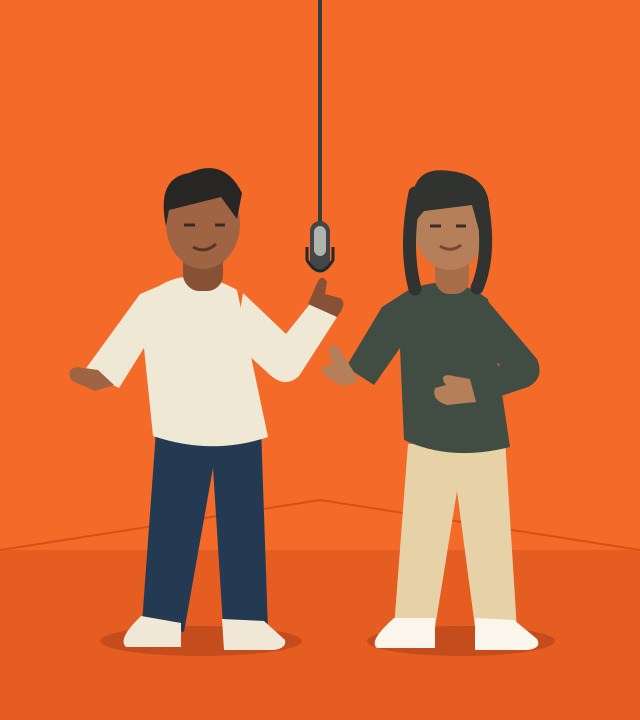
Your next duet starts here.
Recent videos
Your last 10 videos will appear here after you sign in.
From two photos to a duet
- 1
Choose your people
Use clear, front-facing photos with one person in each. Even light and visible facial features give the model better references.
- 2
Set the scene
Keep the orange studio and a hanging mic. Edit the prompt for subtle gestures, a playful mood or a relaxed camera shot.
- 3
Generate, review, share
Render a 5-second clip. Check both faces and movements before saving. Add music separately where you have permission.
What is the Hotel Lobby AI video trend?
The trend reimagines Quavo and Takeoff’s 2022 “Hotel Lobby” performance for A COLORS SHOW with different people or characters in its distinctive orange studio. Searches often mean this two-person performance, rather than videos of hotel interiors.
This tool creates an original orange-studio duet from your two reference photos. It does not replace faces in the original recording, reproduce exact choreography or include the song. Faces and positions can vary; review every result.
Read the full Hotel Lobby AI guideBefore you hit record
Is the Hotel Lobby AI video generator free?
Preparing photos and copying prompts is free, with no account required. AI generation requires an account and 20 credits per 5-second clip. During beta, credits are supplied by the site operator. No unlimited free renders are promised.
Do I need two photos?
Yes. Add one photo for each person. The prompt assigns the first to the left and the second to the right. Use Swap sides before generating to reverse the references. AI can still change positions or details.
Does it include the Hotel Lobby song or original dance?
No. The output is an original silent clip, not an edit of the original performance. Add music separately using a track you have permission to publish. A reference-video workflow is needed for precise motion transfer.
Where do my photos go?
Local previews stay in this browser tab. When you generate, your photos are sent through our server to fal and its model provider. We do not save the input photos in the task database. Provider retention policies apply; closing the tab clears local previews.
What if my video fails?
Confirmed generation failures return the credits when the task is checked. A temporary connection failure does not mean the render failed: check the existing task instead of submitting again. Unconfirmed submissions need operator review.
How do I get more consistent faces?
Use one unobstructed face per photo, similar framing and even lighting. Keep gestures small and avoid fast turns. AI reference matching is imperfect, so inspect the full clip before sharing.